

How to Play Any Hacksaw Gaming Demo for Free
In short: You can open any Hacksaw Gaming demo on the studio's own servers, with €5,000 in play money and no account. Each client also carries a GAME INFO screen that publishes return figures the catalogues never print.
Every Hacksaw game runs a free demo hosted by the studio itself. You get play money, the full rules screen, and the per-purchase return figures that aggregators leave out.
Note: Hacksaw hosts demo versions of its games on its own servers, and you reach them from the studio's game pages. The client loads with €5,000 in play money, asks for no account, and takes no deposit.
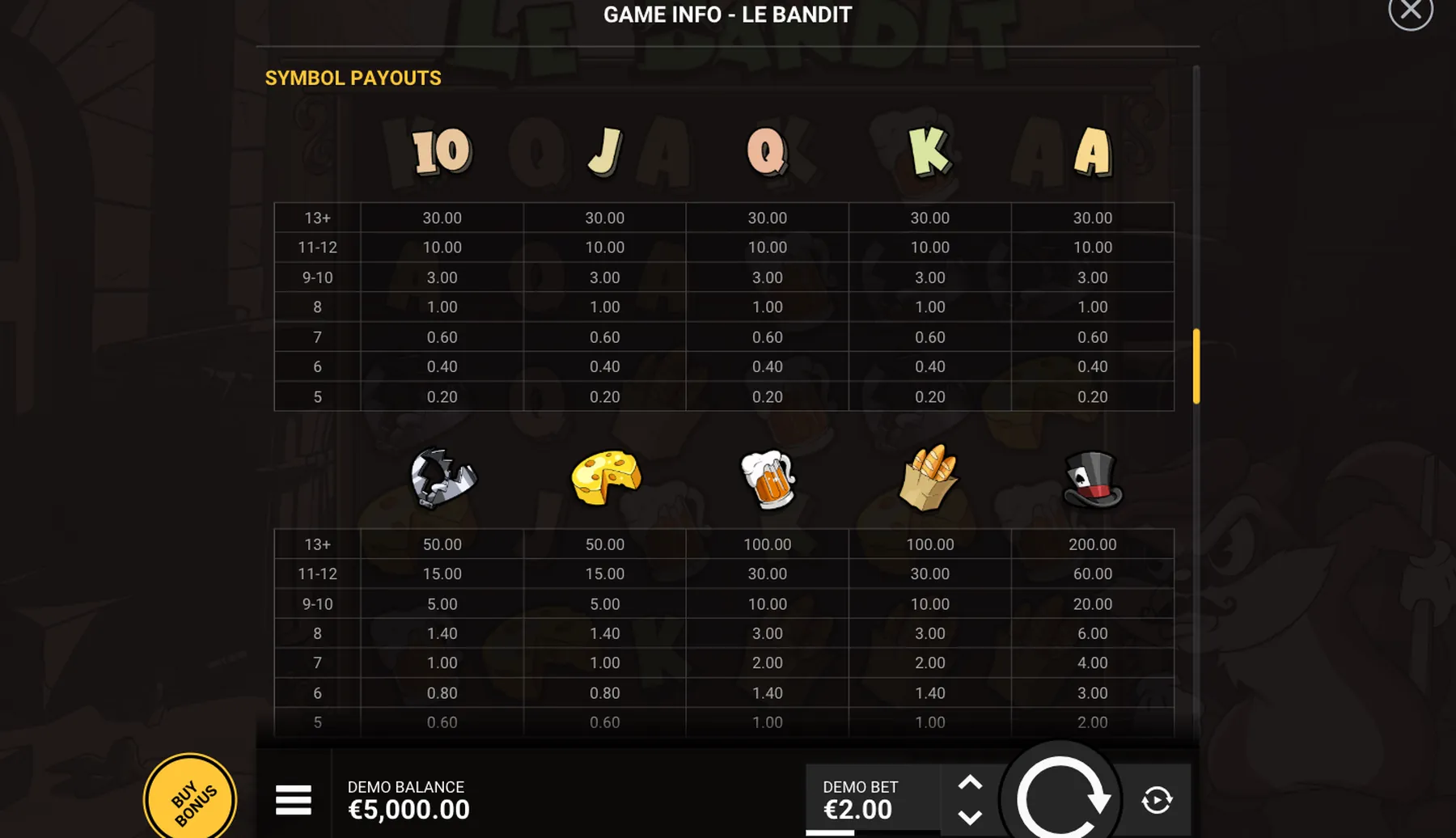
The useful part is not the free spins. It is the GAME INFO window inside each client, which publishes figures no catalogue reproduces: a return for each bonus purchase the studio prices, the exact bet range and the date the rules were generated.
Table of contents
What You Need Before You Start
Before you start, check these prerequisites; each one takes a minute and saves a wasted round.
- A desktop or mobile browser with JavaScript enabled
- Nothing else: no account, no deposit, no download
How a Round Plays, Step by Step
Follow these steps in order; the index below jumps to any step, and each step names the control it uses.
Step 1: Open the Studio's Game Page
go to hacksawgaming.com and pick a title from the slots list, or go straight to its own page.
Step 2: Confirm Your Age
the site asks you to confirm you are over 18 before the client will load, and the demo will not start until you do.
Step 3: Click Try It
the game loads in a frame on the same page, with DEMO BALANCE and DEMO BET shown along the bottom.
Step 4: Clear the Splash Screen
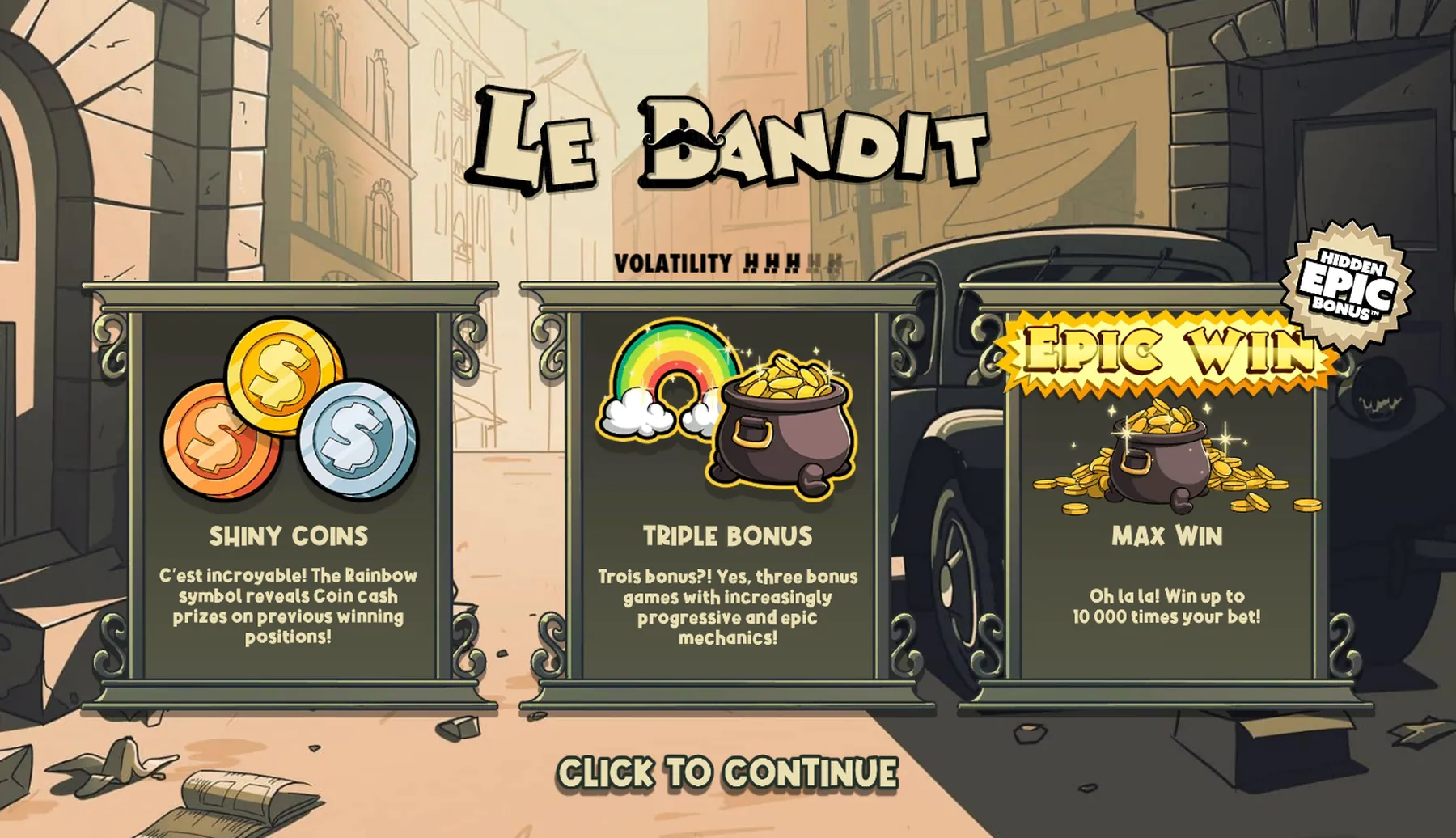
the first screen shows the volatility meter and the top win, and a click takes you past it to the reels.
Step 5: Open GAME INFO from the Menu
the hamburger button beside the balance opens a menu, and the info item brings up the full rules.
Step 6: Read the Return Figures
scroll the rules window to find the base return and the figure for each purchase the studio chooses to publish, usually to two decimals and sometimes to one.
Step 7: Check the Bet Stepper
walk it to both ends to see the real minimum and maximum, which differ from game to game across the series.
Step 8: Open the Feature Panel
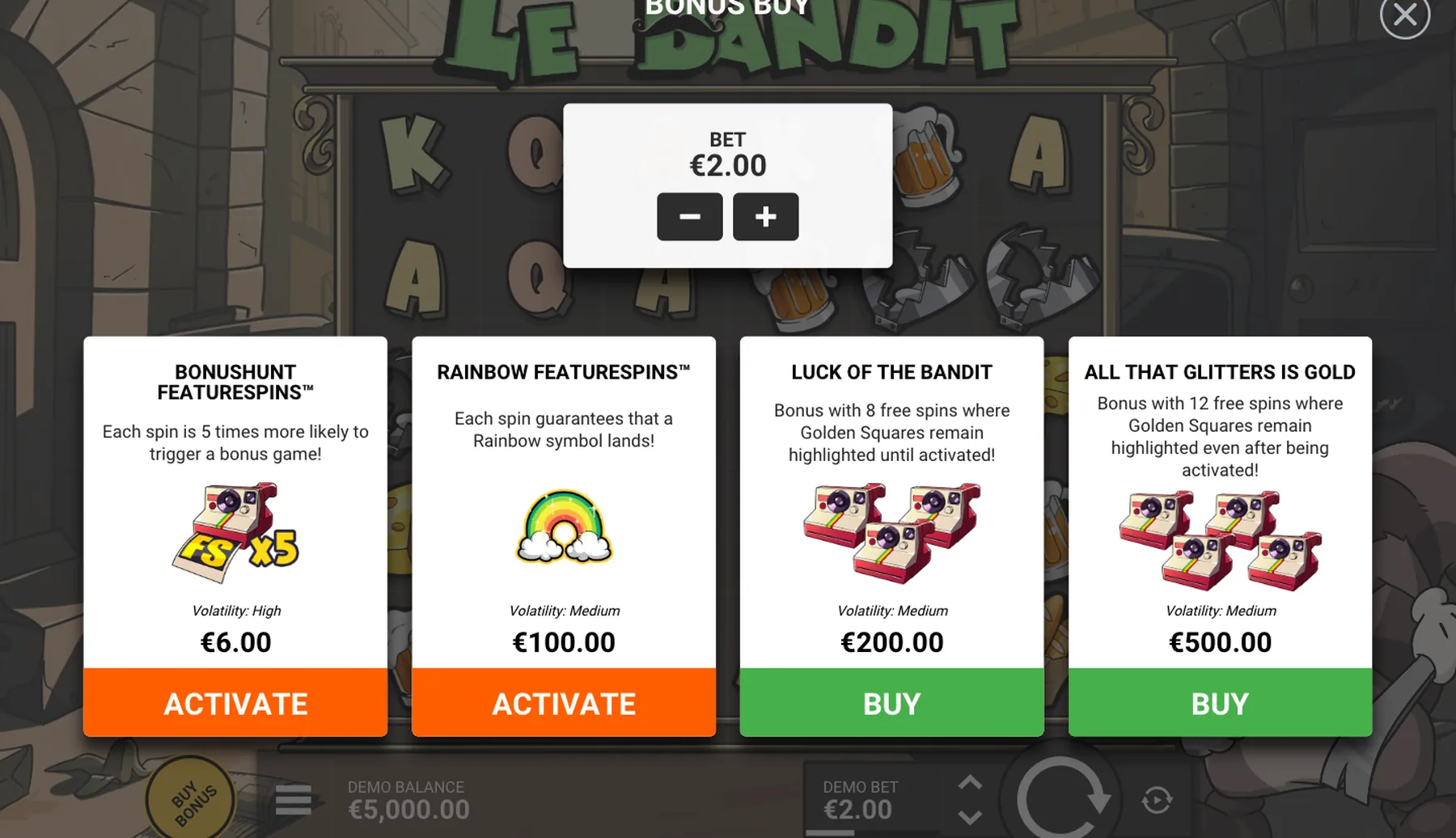
the round button at bottom left. On fifteen of the seventeen titles it reads BUY BONUS; on Le Sortudo and Le Bandit Hold and Win it reads Feature Spins. The cards inside are two different products: ACTIVATE buys a FeatureSpins mode charged on every spin, BUY opens a bonus round once.
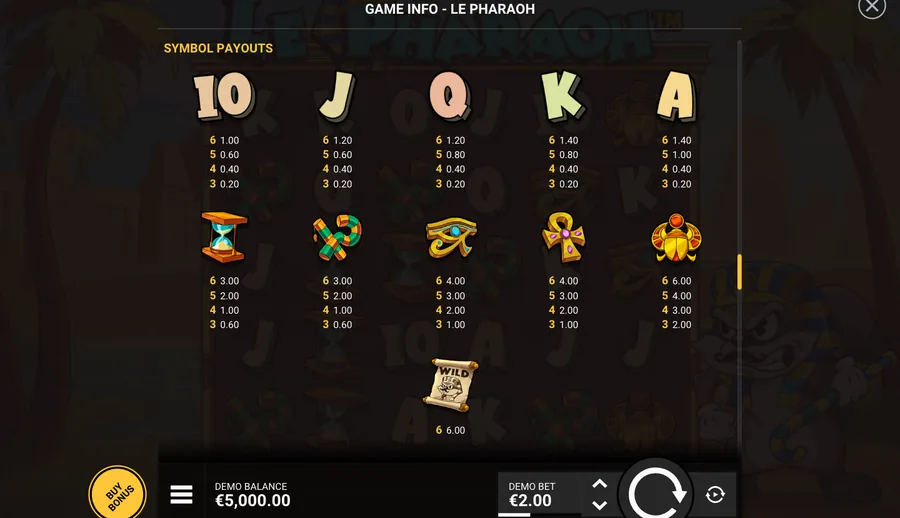
- The payout table reads in euros at your selected stake, not in multipliers, so every figure moves when you change the bet
- Purchase prices scale with the stake too: a €6.00 BonusHunt at €2.00 becomes €30.00 at a €10.00 bet
- The demo always serves the studio's default return build, so it cannot tell you which build a casino has licensed
- Rules screens carry a generation date and a server version, which is the cleanest way to cite what you read, and some games print a figure for each gamble step inside a bonus
Key Terms Used on This Page
- GAME INFO
- The rules window inside each client, carrying the paytable, coin values and per-purchase return figures.
- Play money
- The non-withdrawable balance a demo starts with, €5,000 in the clients we opened.
- Return build
- One of several configurations a studio ships; the demo always serves the default one.
- Bonus Buy
- A card with a BUY button: one payment, and the bonus round starts immediately.
Deposits and identity checks stay on the operator's own secure site.
Related Reading on This Game
More on this game, from the same section first:
 Games
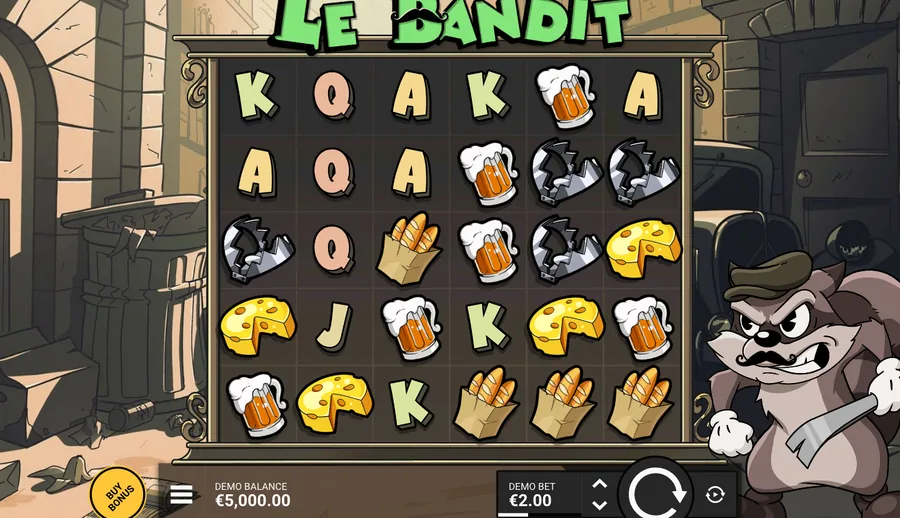
GamesLe Bandit demo
96.34% default, 10,000x cap, €6 entry
 Reference
The Hacksaw studio
Eight licences, two layers of return
 Games
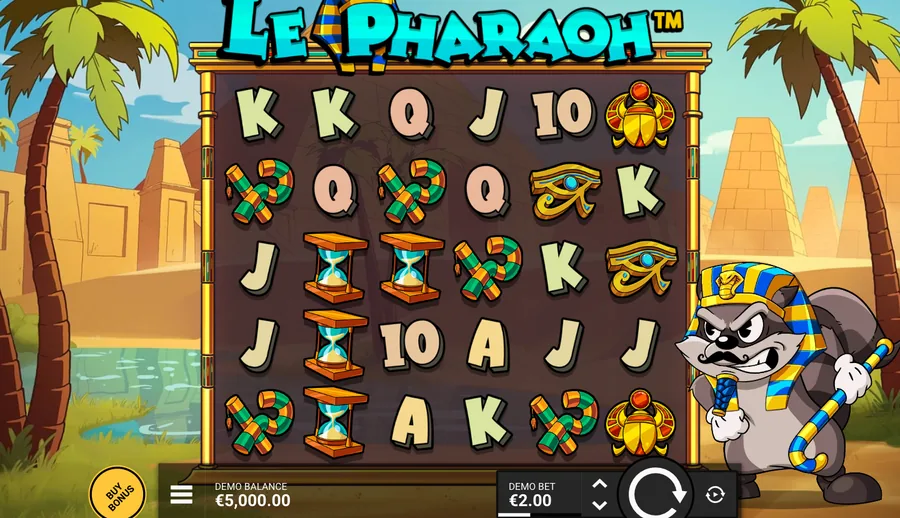
GamesLe Pharaoh demo
Nine RTP figures, 96.18%–96.35%
 Games
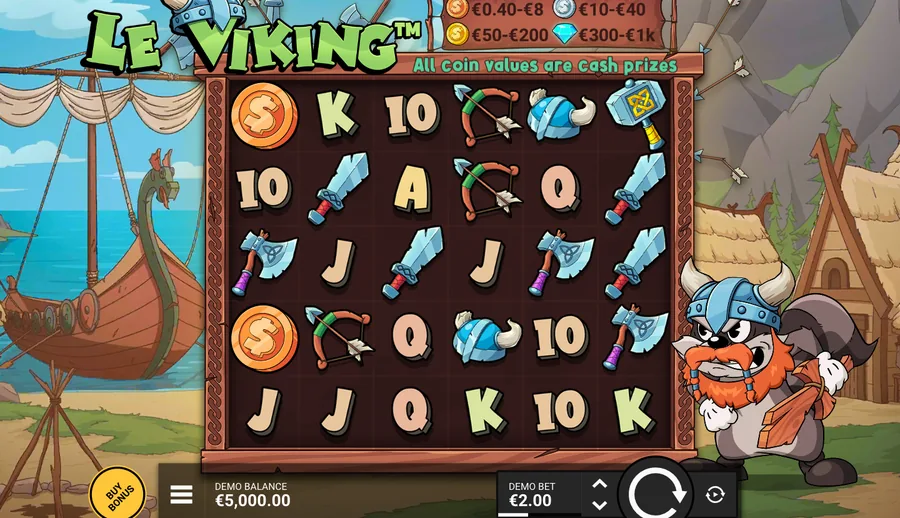
GamesLe Viking demo
Ways wins, 96.32% base, €100 stake top
 Games
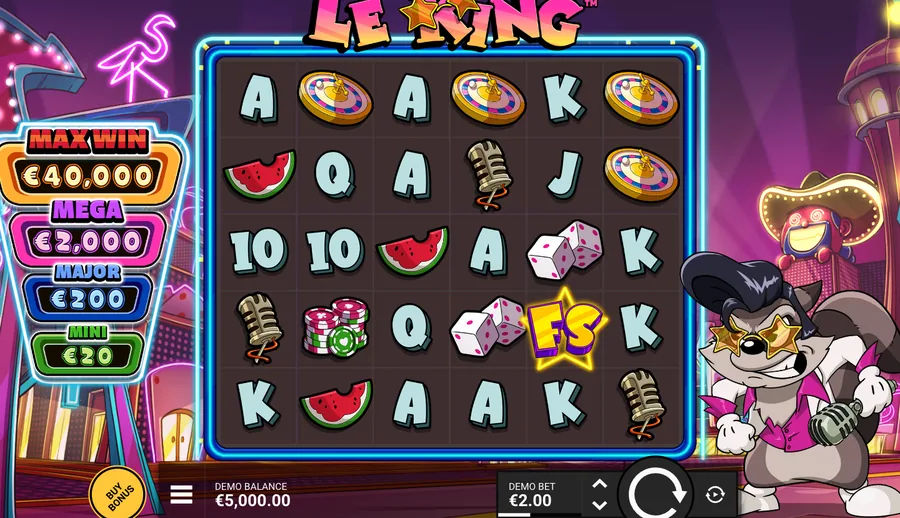
GamesLe King demo
96.14% base, 96.36% on the top buy
 Games
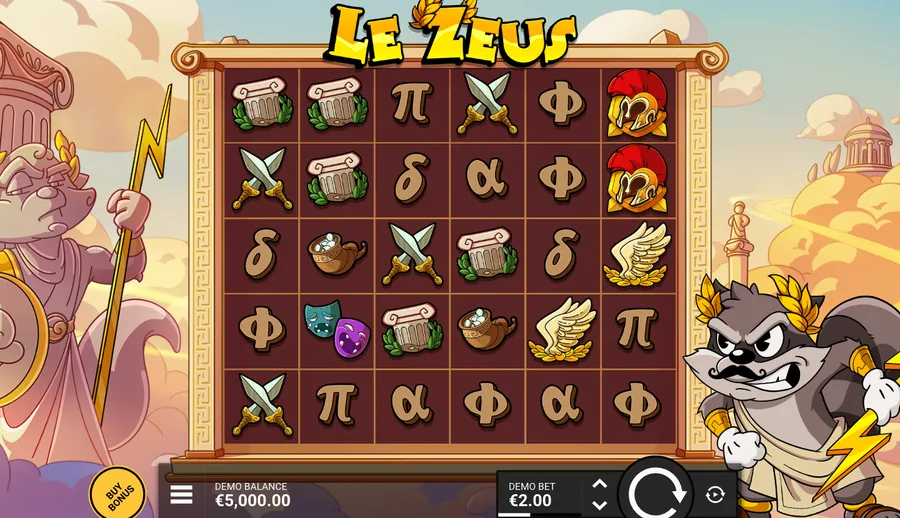
GamesLe Zeus demo
19 paylines, 20,000x cap, 96.26% default
 Games
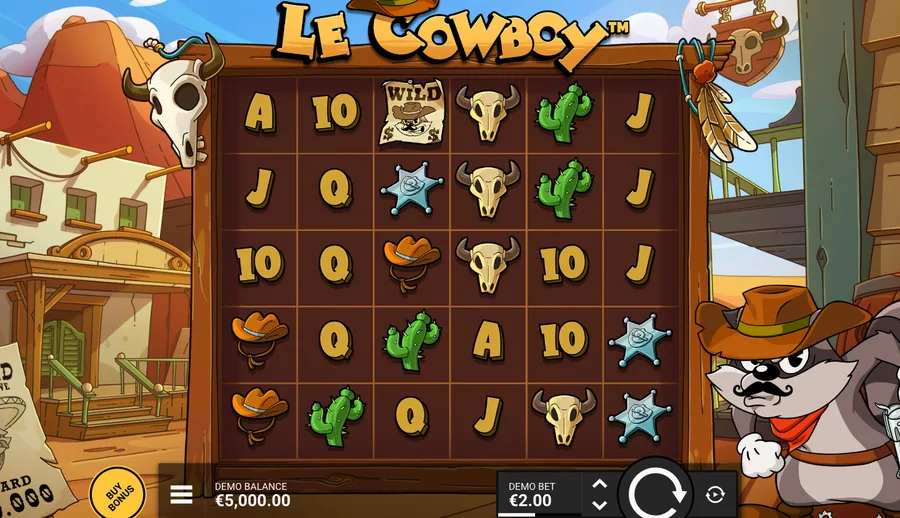
GamesLe Cowboy demo
25,000x cap, highest in the Le series
 Games
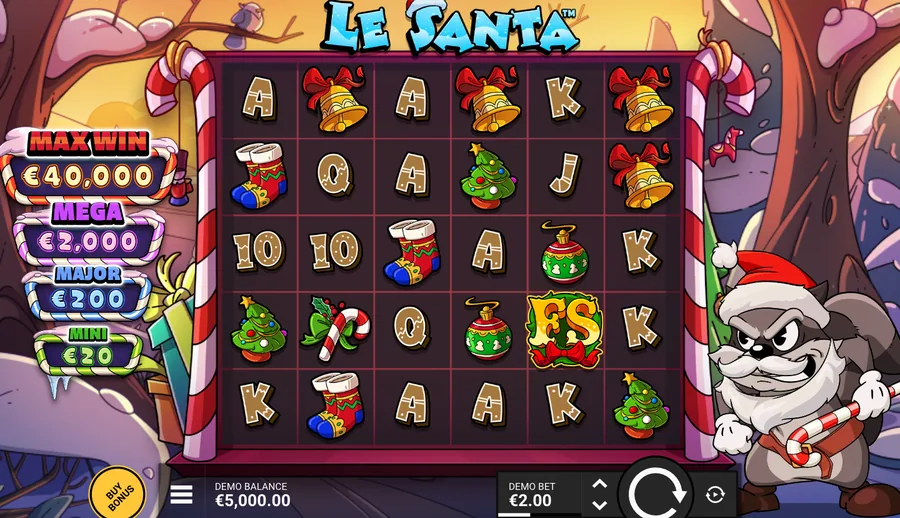
GamesLe Santa demo
96.14% base, figures match Le King
What Else Do Readers Ask?
Questions about Hacksaw demos usually come down to what the free version can and cannot tell you about the paid one.
Do you need an account?
No. The studio hosts its demos itself, the client opens with play money, and nothing is asked of you beyond confirming your age.
How much play money is there?
Five thousand euros in the clients we opened, which is enough to work through the bet range and the Bonus Buy panel comfortably.
Does the demo use the real return?
No, not necessarily. It serves the studio's default build, while a casino may have licensed a lower one for its own lobby.
Can you buy bonuses in a demo?
Yes, with play money. The Bonus Buy panel works exactly as it does for real stakes, which makes it the cheapest way to see each round.
Where do the return figures sit?
Inside the GAME INFO window, reached from the menu beside the balance, with the base figure first and the purchase figures below it.
Which games have demos?
All seventeen titles in the Le series do, and the clients run on the same URL pattern with a different game id each time.
How do we cite a rules screen?
We quote the generation date and server version printed at the bottom of the GAME INFO window alongside the figure itself.